
ECHOSUITE PROBE LAB
An echo simulator you can open in your browser.
Practice transthoracic echocardiography (TTE) probe movements in a 3D lab. Explore 15 echo views with an interactive probe, a mannequin and acquisition guidance.
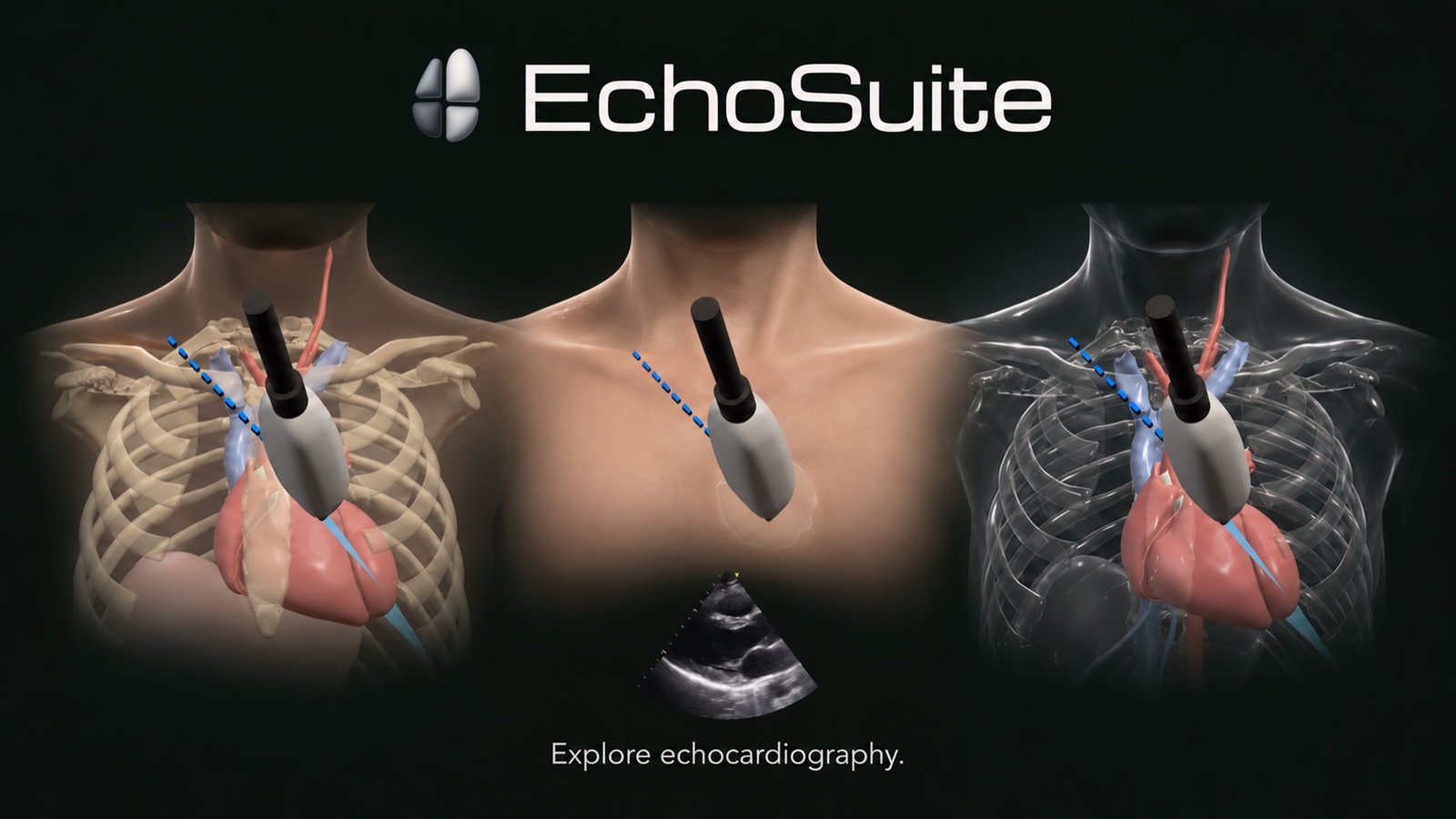
Choose a view. Move the probe. Explore the image.
- Start with a standard view. Open a view target and read its probe-position and acquisition guide.
- Enter Practice. Drag the probe’s grip, marker or tail to explore its movements. Touch controls work on phones and tablets; you can also use the lab on a desktop.
- Compare the teaching images. Explore the simulated ultrasound and the separately identified clinical reference cines. Simulation and clinical recordings remain distinct.
Adjust depth, explore skin, glass and anatomy layers, and return to the view targets as you practice.
Explore all 15 echo views
Each view has a readable guide to probe position, acquisition and image optimization, plus a direct link into Probe Lab.
- Parasternal long axisRead the acquisition guide · Open this view in the simulator
- Apical four chamberRead the acquisition guide · Open this view in the simulator
- Subcostal four chamberRead the acquisition guide · Open this view in the simulator
- Subcostal IVC long axisRead the acquisition guide · Open this view in the simulator
- Abdominal aorta long axisRead the acquisition guide · Open this view in the simulator
- Suprasternal notch, aortic archRead the acquisition guide · Open this view in the simulator
- Parasternal short axis, aortic valve levelRead the acquisition guide · Open this view in the simulator
- Parasternal short axis, mitral valve levelRead the acquisition guide · Open this view in the simulator
- Parasternal short axis, papillary muscle levelRead the acquisition guide · Open this view in the simulator
- Parasternal short axis, apical levelRead the acquisition guide · Open this view in the simulator
- RV inflowRead the acquisition guide · Open this view in the simulator
- RV outflowRead the acquisition guide · Open this view in the simulator
- Apical five chamberRead the acquisition guide · Open this view in the simulator
- Apical two chamberRead the acquisition guide · Open this view in the simulator
- Apical three chamber (apical long axis)Read the acquisition guide · Open this view in the simulator
From the view to the measurement
Continue from probe practice to the acquisition guides and interactive calculators. Follow a focused path through aortic stenosis and the continuity equation, LV volumes and ejection fraction, or right-heart echocardiography.
Browse measurement guides · Use EchoSuite in a teaching session
Before you open the lab
- Do I need to sign in or install an app?
- No sign-in or app installation is required to explore Probe Lab. The interactive simulator runs in your browser and requires JavaScript and WebGL 2.
- Can I use the echo simulator on a phone or tablet?
- Yes. Probe Lab supports touch controls on phones and tablets, as well as desktop interaction.
- Are the ultrasound images simulated or clinical?
- The lab includes simulated ultrasound and separate clinical reference cines. The simulated image belongs to the 3D teaching model; the clinical cine is a reference recording.
- Can I read the view guides without loading the simulator?
- Yes. The acquisition guides are separate reading pages and work without JavaScript or the 3D scene.
EchoSuite is an educational product. It does not replace supervised scanning or clinical judgment. Read about its sources and educational scope.